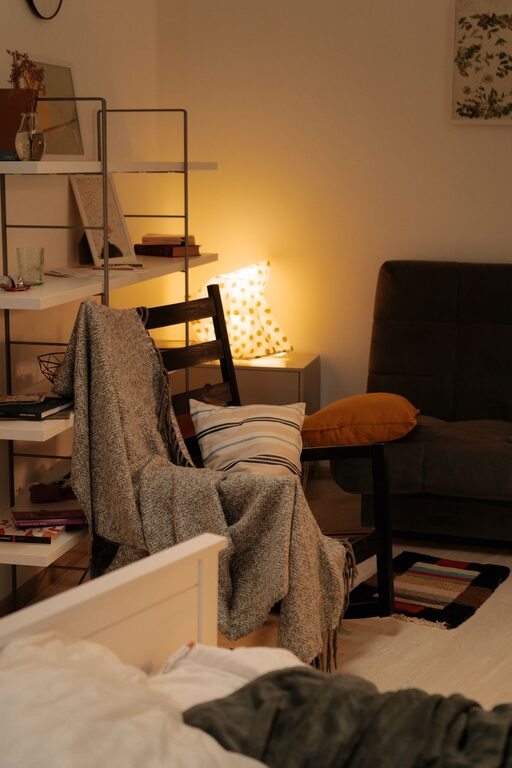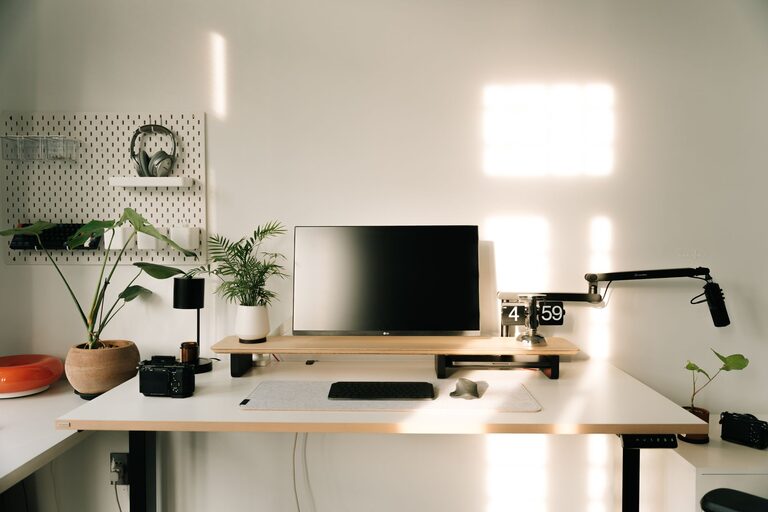

Working from home has become a common practice for many people, and having a well-organized workspace can make a big difference in your productivity and overall comfort. Whether you’re tackling daily tasks, attending virtual meetings, or managing creative projects, a thoughtfully arranged home office helps you stay focused and motivated.
In this post, we’ll explore practical tips to organize a productive home workspace that suits your needs and inspires your best work.
Choose the Right Location
Select a quiet, comfortable spot in your home that minimizes distractions. Ideally, choose a place with natural light, as it boosts mood and alertness. If space is limited, try to find a corner or room divider to establish a clear boundary between work and personal life.
Factors to Consider:
– Distance from noisy areas like the kitchen or living room
– Availability of power outlets for your electronics
– Adequate ventilation and comfortable temperature
Invest in Functional Furniture
Your desk and chair are key elements for productivity and health. Look for ergonomic furniture that supports good posture and reduces fatigue.
Desk Tips:
– Choose a size that fits your equipment and leaves room for writing or other tasks.
– Consider adjustable desks that let you switch between sitting and standing.
Chair Tips:
– Use an ergonomic chair with lumbar support.
– Adjust the chair height so your feet rest flat on the floor and your knees are at a 90-degree angle.
Declutter and Organize Your Desk
A cluttered desk can lead to distractions and stress. Keep only essential items on your workspace.
Strategies for Desk Organization:
– Use drawer organizers or trays to separate supplies.
– Limit personal items to a few meaningful decorations.
– Regularly clear away papers and unused items at the end of each day.
Use Storage Solutions Wisely
Good storage helps keep your workspace tidy and your materials easy to find.
Storage Ideas:
– Shelves or bookcases for books, binders, and decorative boxes.
– Filing cabinets or accordion folders for documents.
– Desk organizers for pens, notes, and small tools.
Labeling storage containers can further improve efficiency.
Optimize Lighting
Proper lighting reduces eye strain and keeps you alert.
– Position your desk near windows for natural light.
– Use a quality desk lamp with adjustable brightness to supplement overhead lighting.
– Avoid glare on digital screens by adjusting light angles.
Manage Cables and Electronics
Tidy cables not only look better but also prevent accidents and frustration.
Cable Management Tips:
– Use cable clips, ties, or sleeves to bundle cords.
– Place power strips out of sight but easily accessible.
– Keep electronic devices charged and in designated spots.
Create a Daily Routine and Work Boundaries
An organized workspace is most effective when paired with a clear routine.
Tips for Routine:
– Set consistent start and end times for your workday.
– Take regular breaks to rest your eyes and stretch.
– Avoid work tasks in non-work areas of your home.
Personalize Without Overdoing It
A few personal touches can make your workspace inviting and uplifting.
– Add plants to improve air quality and mood.
– Hang inspirational art or quotes.
– Choose colors that promote focus, such as soft blues or greens.
Keep personalization minimal to avoid distractions.
Keep Technology Updated and Functional
Ensure your computer, software, and internet connection support your work efficiently.
– Regularly update software for security and performance.
– Use quality headphones for virtual meetings.
– Have backup options like a portable charger or extra cables.
—
Organizing your home workspace takes some planning, but the payoff is worth it. A neat, comfortable, and well-designed area can improve your focus, reduce stress, and make working from home more enjoyable. Start small by applying a few of these tips, then customize your workspace as you find what works best for you. Happy organizing!

Related Posts